Hum the tune, get the chords
Sing, whistle or hum a phrase. The app listens on your device and works out the key, tempo and a progression that fits.
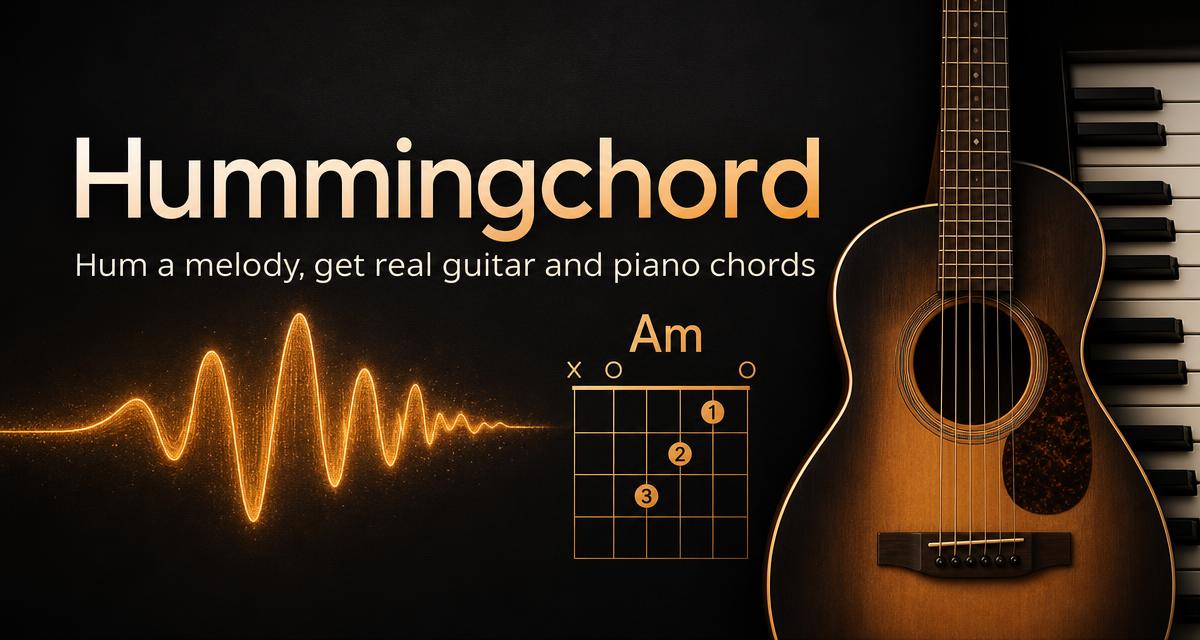
Hum, sing or whistle a melody into your phone. Hummingchord finds the key and gives you guitar and piano chords you can play, edit, print and save to your own library.
Free account, free for 3 saved songs, and a 7-day Pro trial when you want more.
Sing, whistle or hum a phrase. The app listens on your device and works out the key, tempo and a progression that fits.
Every chord comes with a fretboard diagram you can actually play, plus a capo and transpose control for your voice.
See the exact keys for each chord, hear it played back, and follow along with the metronome and backing track.
Print a lead sheet, download a PDF in one tap, or export MIDI to keep writing in your own music software.
Every song becomes a clean lead sheet with chord names, guitar fingerings and piano voicings — download it as a PDF and play it from the music stand.
Kitchen Hum No. 1
Key of G · 96 BPM
G
Bar 1 · I
Em
Bar 2 · vi
C
Bar 3 · IV
D
Bar 4 · V
Start free with 3 saved songs. Go Pro when you want the whole studio.
$4.99 / month
Or $19.99 a year, or $39 once for lifetime access. 7 days free to start.
No. Hum, whistle or sing however you like — Hummingchord follows the pitch of your melody, works out the key and tempo, and names the chords for you.
Every chord comes with a guitar fingering diagram and a piano keyboard voicing, plus the chord name and its role in the key.
Yes. Pro members can rename any chord, drag frets and keys to build their own shapes, add or remove bars, and transpose or capo the whole song.
Pro downloads a printable lead sheet as a PDF, exports a MIDI file, and plays your progression back with a metronome and backing chords at any tempo.
Unlimited humming and chord charts, and up to 3 saved songs in your library, on any device — no card needed.
$4.99 a month with a 7-day free trial, $19.99 a year, or $39 once for life. Monthly and yearly cancel any time from your account page.
Hummingchord installs straight onto your home screen from the browser — full screen, its own icon, and your library works offline.
Guides on chord progressions, writing by ear and the music theory that actually helps.
Add Hummingchord to your home screen and your library stays in sync between your phone and your desktop.
Already have an account? Sign in
Watch Hummingchord tutorials: Hummingchord on YouTube